
Support from people who know Singapore accounting
Support is the part of cloud accounting software that is hardest to judge before you buy. Here is how Huxandor support works in practice: the channels available, when they are staffed, and what to expect during onboarding and afterwards.
Phone support
Staffed Monday to Friday, 9:00 AM to 6:00 PM Singapore time. Included from the middle tier, with priority routing on the upper tier.
Email helpdesk
Included on every plan and monitored alongside the phone line. Best when you need a written answer or want to attach a document.
Guided onboarding
Every plan includes a walkthrough of the first invoice, the first bank connection and the first GST period, with support on hand while you work.
Phone support during Singapore business hours
Phone support runs on Singapore business hours and is staffed by people who work with the platform daily. You reach someone who knows the GST filing calendar, the payroll cycle and the reconciliation workflow, not a general call centre reading from a script.
Phone support is included from the middle tier. The upper tier adds priority routing during peak periods, which matters most in the weeks before a filing deadline. If your question is about a transaction, have the invoice number or the date range ready and it usually takes one call.
Before you dial, it helps to know what kind of question you have. A how-do-I question about the platform is a support question. A should-I question about how to treat a transaction is one for your accountant, and we will say so rather than guess.
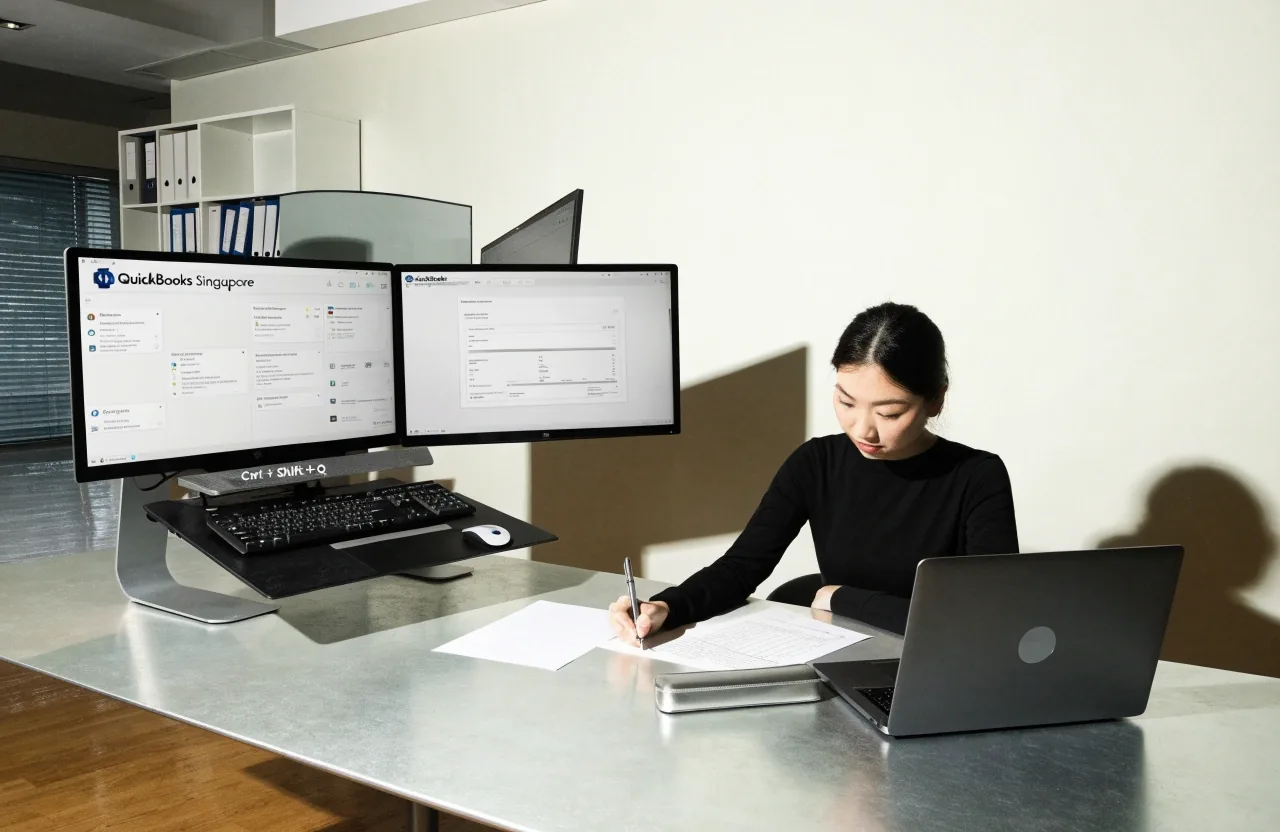
Support hours are Monday to Friday, 9:00 AM to 6:00 PM Singapore time. The current hours are always listed on the Contact page.
Email support
Email works for anything that needs a document attached, a screenshot, or a written answer you want to keep. During business hours, email is monitored alongside the phone line, so a message sent at 10am is being read while the phones are ringing.
For questions about a specific period or filing, include the accounting period and the entity name. It saves a round trip. If the question is about a figure, paste the line you are looking at and what you expected it to be. Screenshots of the platform are welcome and are the fastest way to show us what you are seeing.
Written threads are also how most customers keep their own record. When your accountant later asks why an entry was treated a certain way, the email trail explains the platform behaviour without anyone having to remember the call.
What to include in an email
- The accounting period and the entity name
- The invoice number or the date range in question
- What you expected to see and what you saw instead
- A screenshot if the question is about a figure

Guided onboarding
Every plan includes guided onboarding. A new account walks through the first invoice, the first bank connection and the first GST period with support available while you do it, so the first month is not a solo exercise in guessing which button does what.
If you would rather do it alone, the steps are documented and you can move at your own pace. Plenty of owners set the entity up themselves on a weekend and only call when they reach the first bank reconciliation.
If you are migrating mid-year, onboarding covers opening balances and which historical records to bring across. We will tell you what to leave behind, which is usually more than people expect.
Migrating from another system
Moving from desktop software like ABSS or Sage, or from another cloud platform, is a common starting point for Singapore businesses. The practical questions are always the same three: opening balances, historical transactions, and whether your accountant wants the old system kept open.
Support walks through the sequence with you rather than handing you a checklist and wishing you luck.
-
Set up the entity
Register the company details once, confirm the financial year and the GST registration status, and the reporting periods fall into place from there.
-
Enter opening balances as at your migration date
Your migration date is the line in the sand. Balances as at that date are entered once, and the platform takes it from there.
-
Connect the bank
A live bank feed is what makes the rest of the month cheap to close. Support confirms the connection is reading the right account before you reconcile anything.
-
Reconcile forward from there
Historical records stay in the old system unless you specifically need them in the new one. Reconcile forward from the migration date and the current period is clean.
Historical records stay in the old system unless you specifically need them in the new one. Bringing across five years of settled transactions rarely helps and always slows the first close.
What support does not cover
It is worth being clear about the boundary, because it is where most support disappointment starts.
Tax advice
If you need someone to review your GST position or act as your tax agent, that is your accountant's role. We can explain what the platform produces and how to export it, but we will not tell you how to treat a specific transaction for tax purposes.
Filing returns for you
Support helps you prepare and export the figures. Filing is done by you or your tax agent through the official channels, and we will point you at the right export for that.
Work outside the platform
Bookkeeping, payroll processing and audit work sit with your own team or your accountant. Support covers the software: how to use it, how to fix a transaction, how to prepare a period for filing.
Questions customers ask before signing up
What hours is phone support available?
Singapore business hours. The current hours are listed on the Contact page, and the same hours apply to email during the working week.
Is phone support included in every plan?
Phone support is included from the middle tier. Every plan includes email support during business hours, so no customer is left without a way to reach us.
Can support help me file my GST return?
Support helps you prepare and export the figures. Filing is done by you or your tax agent through the official channels. If a figure looks wrong before you file, that is exactly the kind of question support does answer.
Do you help with migration from desktop software?
Yes. Onboarding covers opening balances and the sequence for moving from ABSS, Sage or another cloud platform, including which historical records are worth bringing across and which are better left where they are.
Can I ask questions before I become a customer?
Yes. If you are not yet a customer and have a question before signing up, the contact form works for that too. Huxandor is business accounting software, so most pre-sales questions are about how the platform handles GST, payroll or a migration.
Reaching us
Huxandor is business accounting software, registered and supported in Singapore. Phone and email details are on the Contact page, along with the Singapore office address and business hours.
Business phone
Support hours
Monday to Friday, 9:00 AM – 6:00 PM (SGT)
Send us a message
Questions from customers and from businesses still comparing cloud accounting software are both welcome. We usually reply within one business day.
Registered office
Huxandor Pte. Ltd.
8 Marina Boulevard, Marina Bay Financial Centre Tower 1, Singapore 018981, Singapore
A Singapore-registered business offering cloud-based accounting software for business use, with official support handled by the team that builds and runs the platform.
Business phone
Support hours
Monday to Friday, 9:00 AM – 6:00 PM (SGT)